Know How Every Page Performs Without Leaving WordPress
MonsterInsights shows you pageviews, time on page, bounce rate, entrances, and more for every post and page – right inside the WordPress editor. No GA4 login. No tab switching. Just the data you need, where you actually work.
Finally, Page Insights for WordPress that are Both Simple and Powerful
MonsterInsights brings your analytics into the WordPress editor. Here are the features that make it the easiest way to track post and page performance without leaving your dashboard.
Proper Google Analytics Tracking
Easily set up Google Analytics 4 on your website with just a few clicks – no coding, tagging, or technical knowledge required.
Analytics Overview Report
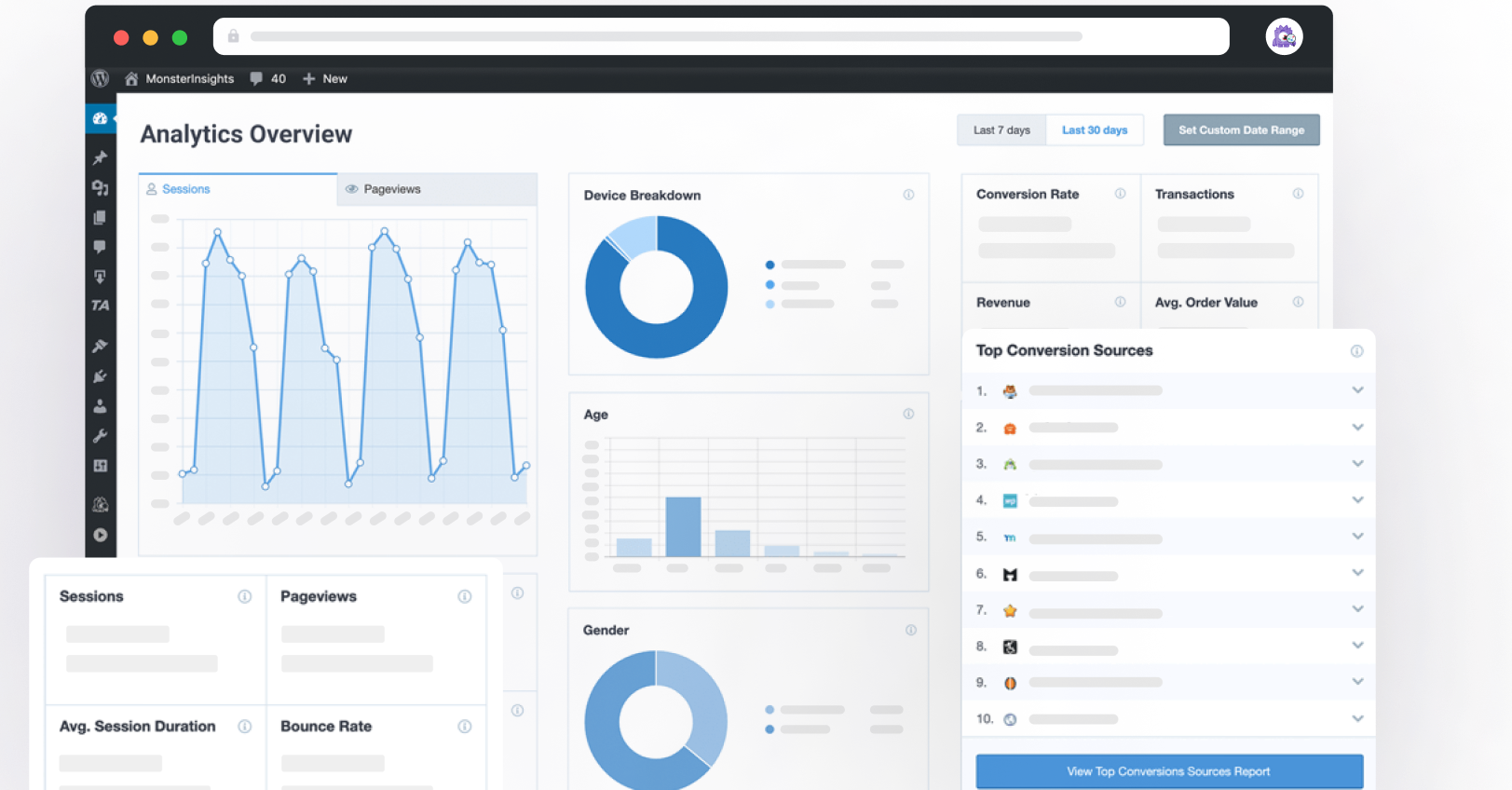
Get all your most important metrics in one clean WordPress dashboard view. Check performance at a glance without switching tabs.
Post Type Tracking
Get traffic data broken down by custom post types – useful for sites with multiple content types like tutorials, reviews, news, or resources.
Landing Page Report
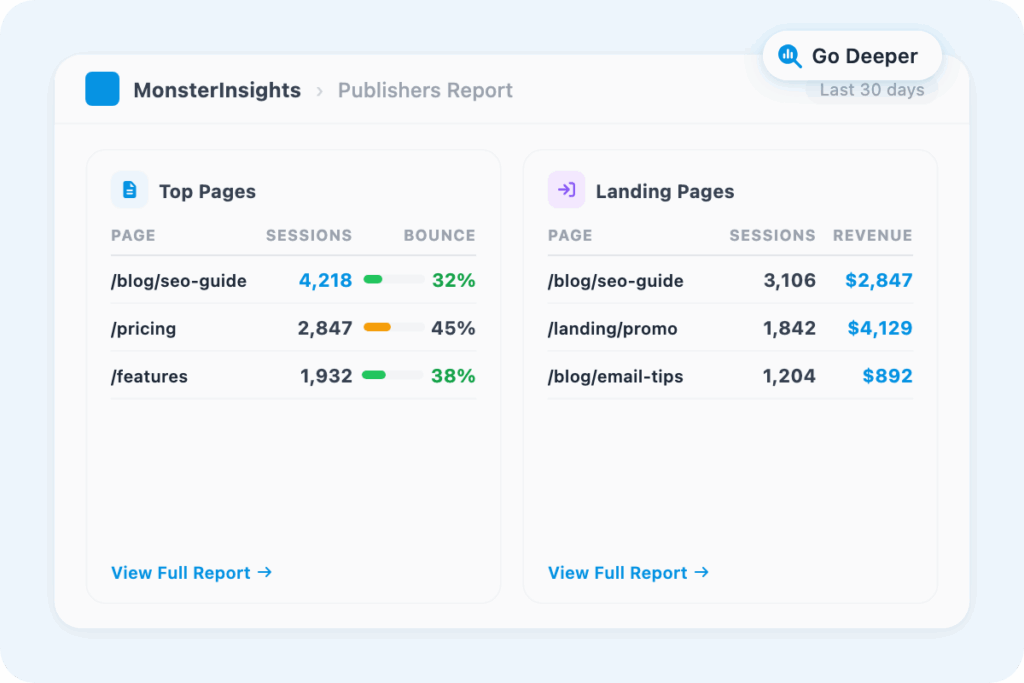
See exactly how your top landing pages perform. Track sessions, average pages visited, conversions, and revenue per page – all in one place.
Popular Posts
Automatically surface your best-performing content anywhere on your site. MonsterInsights uses real GA4 data to select and display your top posts – no manual picking required.
Top Pages Report
See which pages drive the most traffic and engagement. Know exactly what is working so you can create more of it.
Site Speed Report
Track page load times and Core Web Vitals scores across your site. Find what is slowing you down and fix it before it costs you rankings.
Audience Demographic Report
Understand exactly who’s visiting your site – their age, gender, and interests – so you can tailor your messaging and offers to the right audience.
Search Keywords Report
See the exact search terms driving traffic to your site. Use real keyword data to sharpen your content strategy and improve your rankings.
“It is so helpful that I am able to get a detailed report of my site traffic in a more advanced way. It also helped me work on driving more potential traffic and results with the help of its rich analytic tool.”
Joshua Samuel
“I love just having sensible, easy-to-understand data available at a glance.”
Peter Witham
“Straightforward for someone with no great tech skills and also really helpful friendly customer service – that makes the biggest difference in feeling confident with this product.”
Why Over 3 Million Users
MonsterInsights for Page Insights
Here is why site owners, content teams, and marketers use MonsterInsights to track every page performance – without the complexity of Google Analytics.
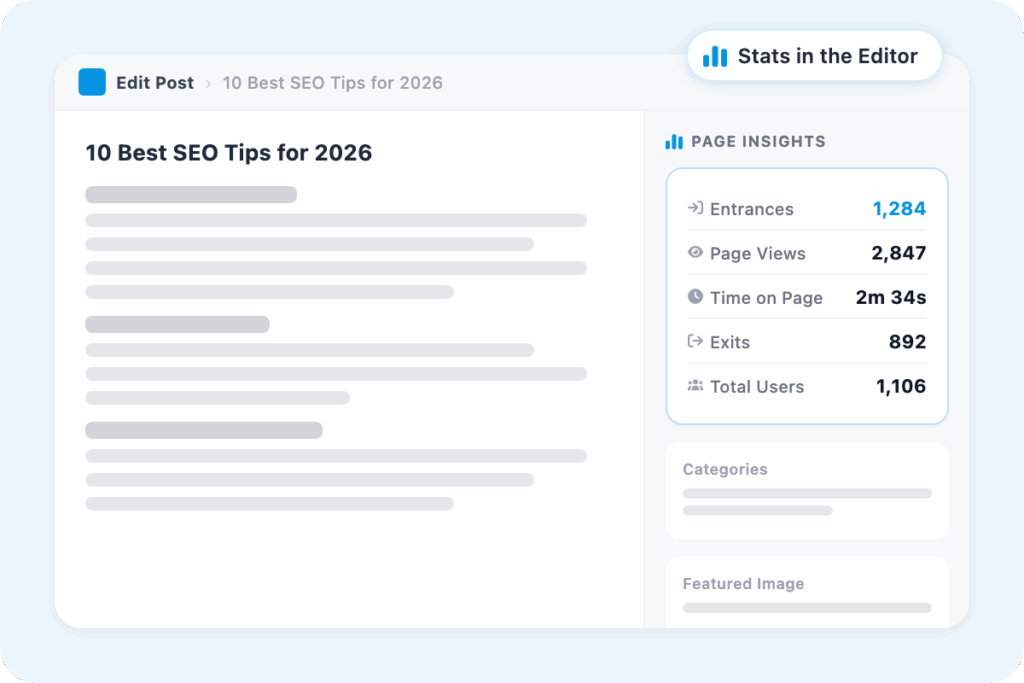
Check Any Page Stats Without Leaving the Editor
Every time you open a post or page to edit it, your latest analytics are already there. Entrances, page views, time on page, exits, and total users – pulled from GA4 and displayed in a clean sidebar widget. No separate tab. No Google Analytics login. No filtering by URL.
If a page is not performing, you will see it the moment you open it – which means you can fix it before the next publish, not three months later.
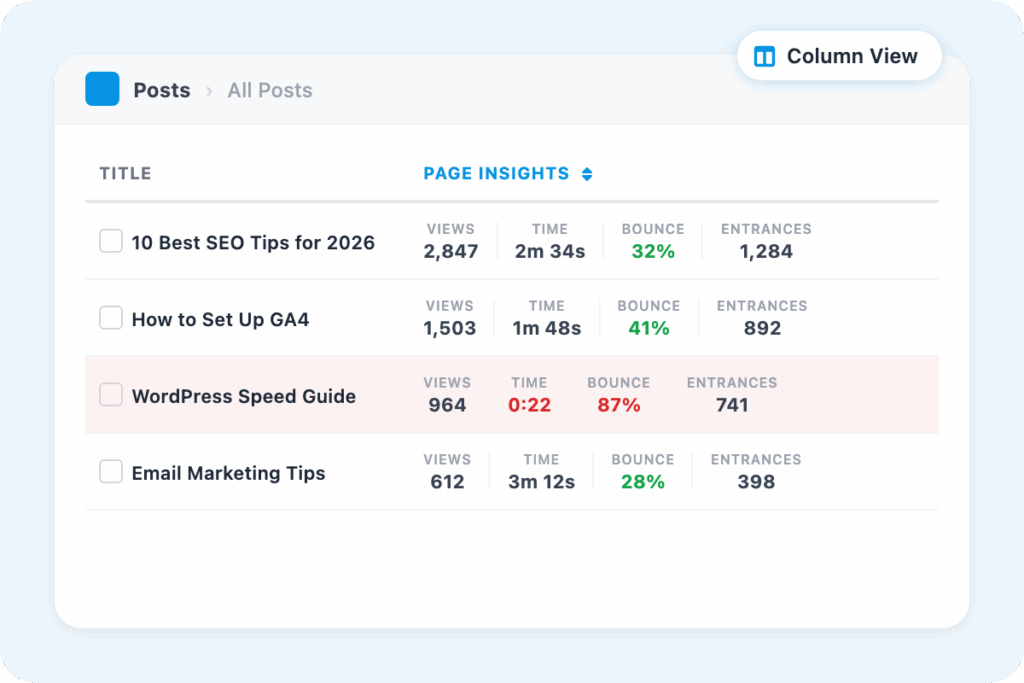
Scan Your Whole Site at a Glance
MonsterInsights adds a Page Insights column directly to your posts and pages list. Scroll through your content and see how each one is performing – all in the same screen you already use to manage your site.
Want to find your weakest content? Check your bounce rate. Want to see what is growing? Check your entrances. It takes 30 seconds and tells you where to focus next.
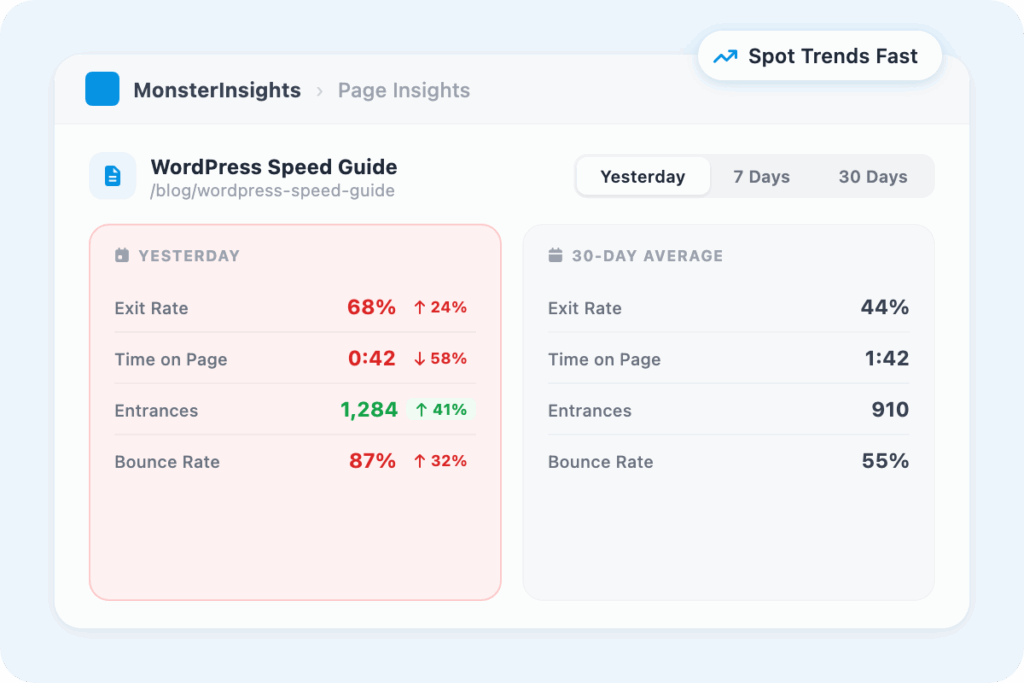
Know When Something Is Wrong – and What to Do About It
Page Insights shows two time periods – yesterday and the past 30 days – so you can tell whether a dip is a one-day blip or a real trend.
A high exit rate paired with a low time on page usually means visitors are not finding what they expected. A high entrance count paired with strong time on page means you have got content worth replicating. You do not have to guess – the pattern is right in front of you.
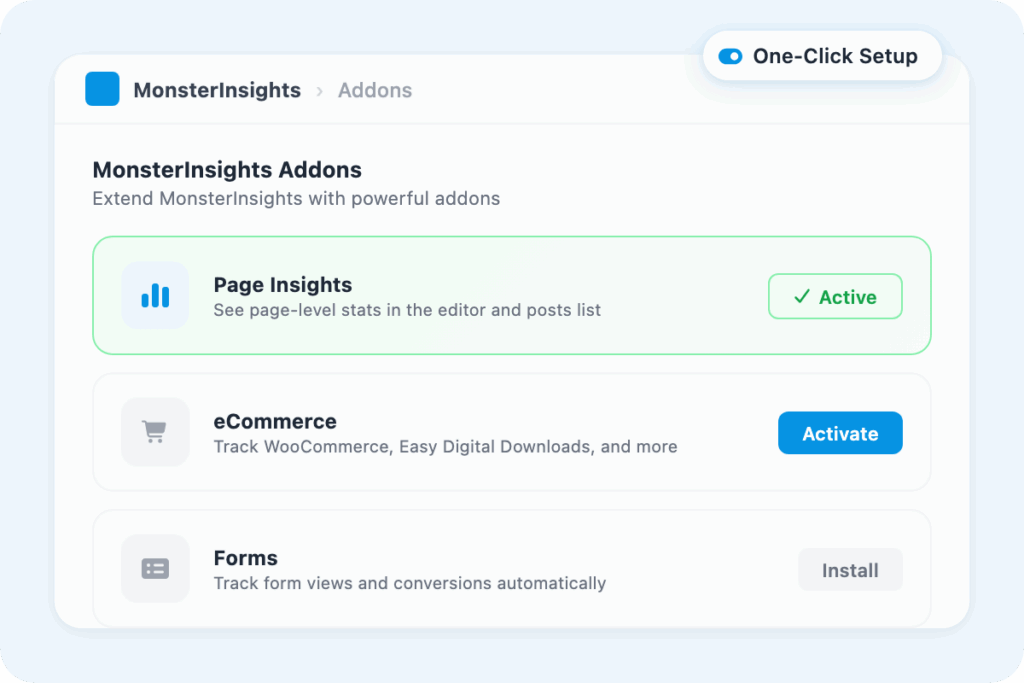
One-Click Setup, Real GA4 Data
Page Insights is available on MonsterInsights Plus plans and above. Activating it takes one click – no configuration, no custom code, no separate Google Analytics connection. Because MonsterInsights already links your WordPress site to GA4, Page Insights reads from the same accurate data source.
The numbers in your sidebar are the same numbers in your Google Analytics account – just surfaced where you need them.
Go Deeper When You Spot Something Worth Investigating
Page Insights is your starting point. When you notice something worth investigating – a page with unusually high entrances, or a landing page with low average time on page – MonsterInsights has the reports to dig deeper.
The Top Pages Report shows engagement across your whole site. The Landing Pages Report adds session and revenue data. The Search Console integration shows exactly which keywords bring visitors to each page. One number in the sidebar can lead to a decision that moves your whole site forward.
Frequently Asked Questions
Do you have questions about MonsterInsights? See the list below for our most frequently asked questions. If your question is not listed here, then please contact us.
Page Insights is a MonsterInsights addon that shows analytics for individual posts and pages directly inside your WordPress editor. When you open any post or page, you will see entrances, page views, time on page, exits, and total users – pulled from GA4, with data from yesterday and the past 30 days.
No – that is the whole point. Page Insights pulls your GA4 data and displays it inside the WordPress editor, right in the sidebar. You see the numbers you need without switching tabs or logging into a separate account.
Page Insights is available on MonsterInsights Plus plans and higher. Once you have an eligible plan, you can install and activate the Page Insights addon from the Addons screen inside WordPress – no extra configuration required.
Page Insights shows five metrics for each page: Entrances (how visitors first land on the page), Page Views, Time on Page, Exits, and Total Users. You can toggle between yesterday data and the past 30 days with a single click.
Look for pages with a high exit rate and low time on page – those are usually the ones where visitors are not finding what they expected. MonsterInsights also adds a Page Insights column to your posts list, so you can compare every page at a glance and find your best and worst performers.
Every Page Has a Story. MonsterInsights Helps You Read It.
Join over 3 million WordPress users who track their page performance without ever leaving their dashboard.