Get Instant Alerts for Sudden Changes in Traffic, Sales & Conversions
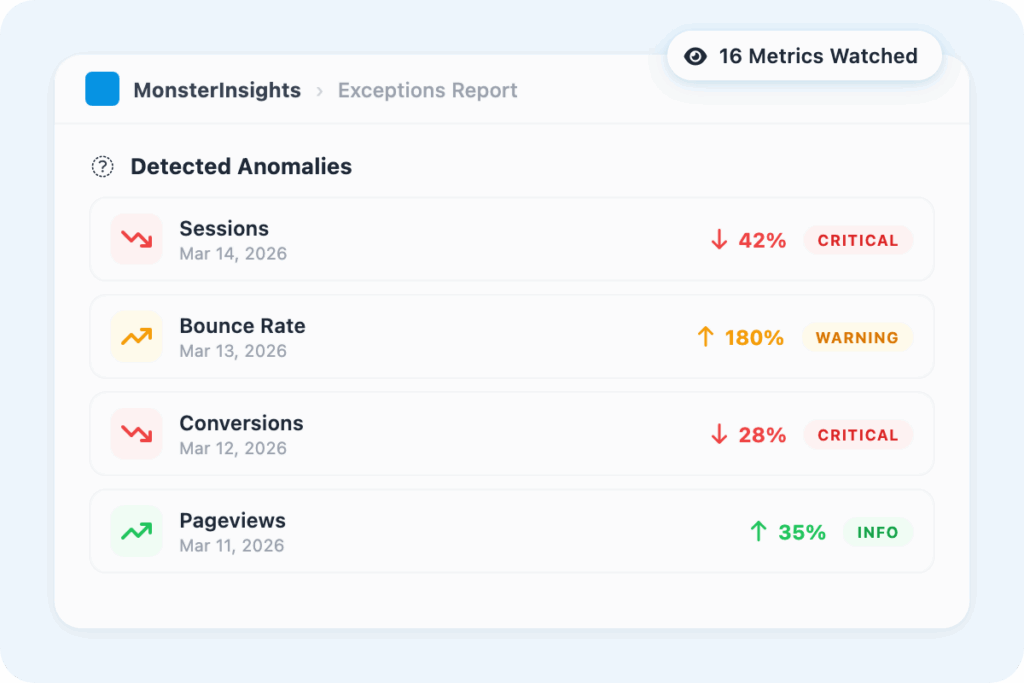
MonsterInsights Exceptions Reporting automatically monitors 16 key metrics across your WordPress site and alerts you the moment something unusual happens – traffic spikes, conversion drops, revenue shifts – so you can act fast instead of finding out days later.
Finally, Exceptions Reporting for WordPress that’s both Easy and Powerful
MonsterInsights automatically monitors your site’s most important metrics and tells you when something changes – so you’re never the last one to find out. Here are the features that make MonsterInsights Exceptions Reporting the best way to stay on top of your WordPress analytics.
16 Monitored Metrics
MonsterInsights tracks 16 types of anomalies, including traffic volume, conversion rate, transactions, engagement rate, bounce rate, campaign performance – and flags the ones that matter automatically.
Dashboard Notifications
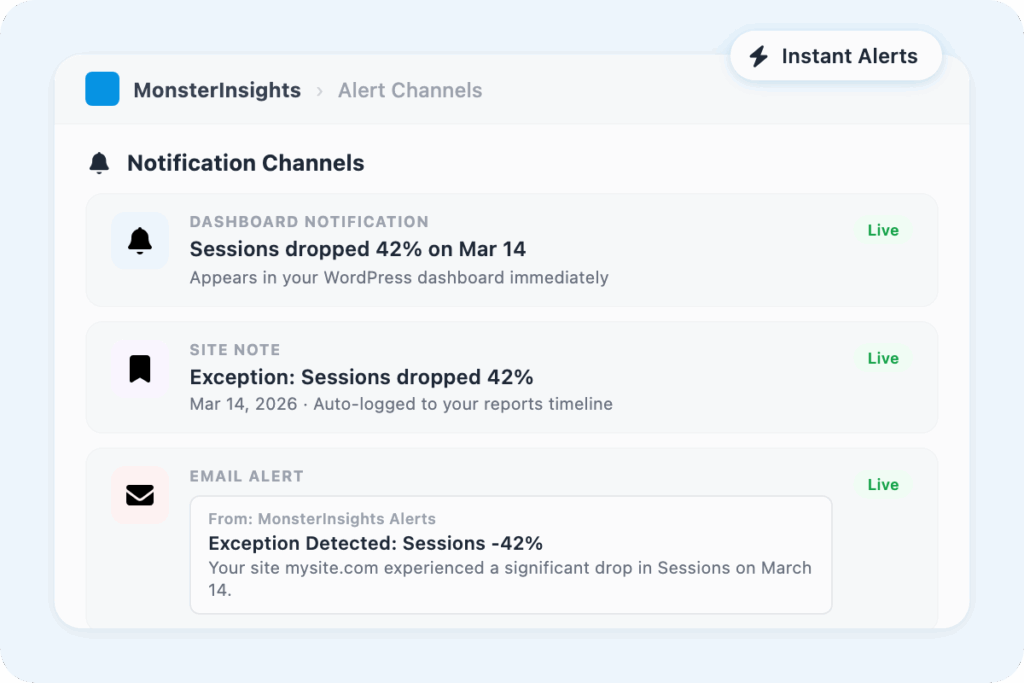
Exceptions surface directly inside your WordPress dashboard as notifications – so when you do log in, anything that needs your attention is already waiting for you, front and center.
Site Notes Integration
Exceptions can automatically become site notes, giving you a built-in log of every significant change tied to the date it happened. Review the history of your site’s performance at a glance.
Automatic Email Alerts
Get an email the moment an exception is detected. No logging into dashboards, no manual checks – MonsterInsights sends the alert to the inbox you choose, so you always stay informed.
Date Comparisons
See exceptions in context with date comparisons – understand whether a dip is a one-off anomaly or part of a longer trend before you react to it.
Multi-Site Management
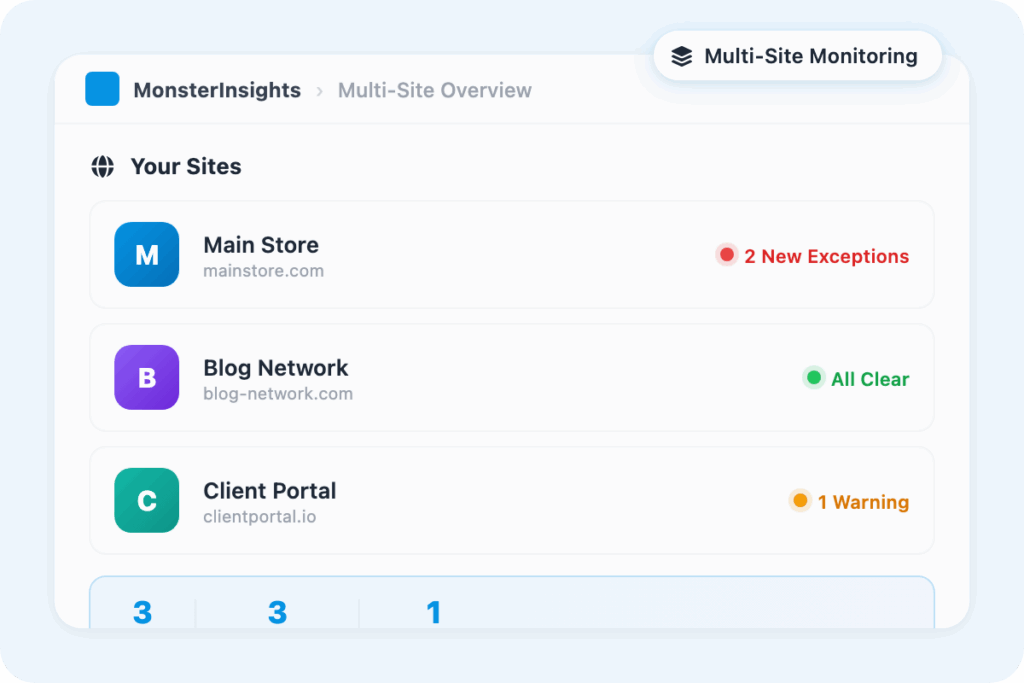
Managing more than one site? MonsterInsights Exceptions Reporting monitors all connected sites from one place – no toggling between accounts or checking dashboards manually for each client.
Configurable Alert Settings
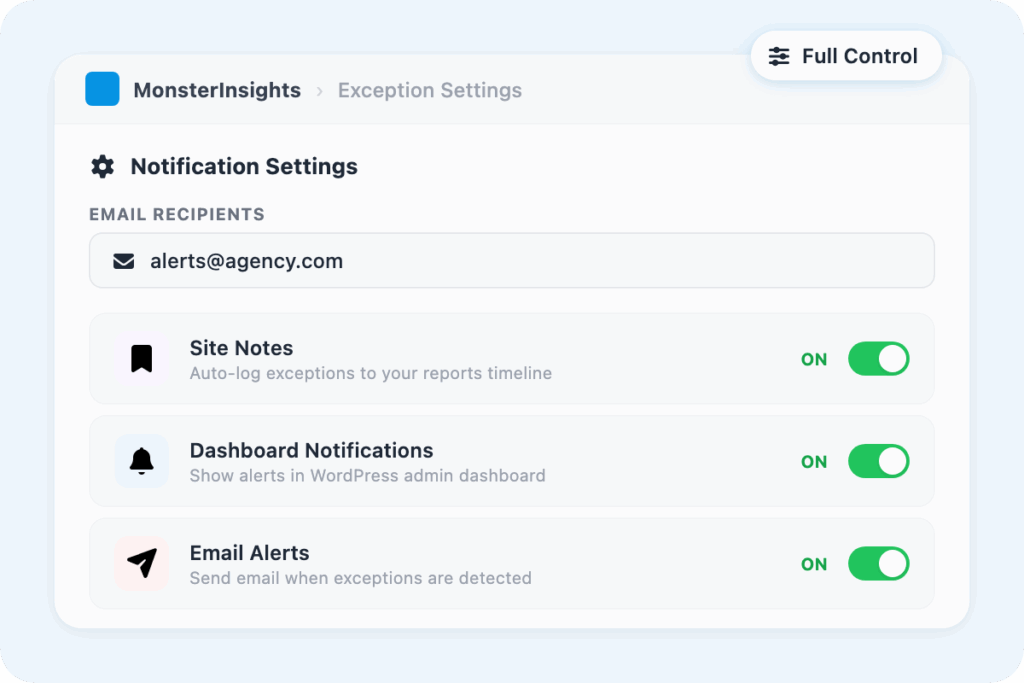
Choose exactly who gets notified and how – set the email recipient, toggle site notes on or off, and control in-app notifications.
CSV Export
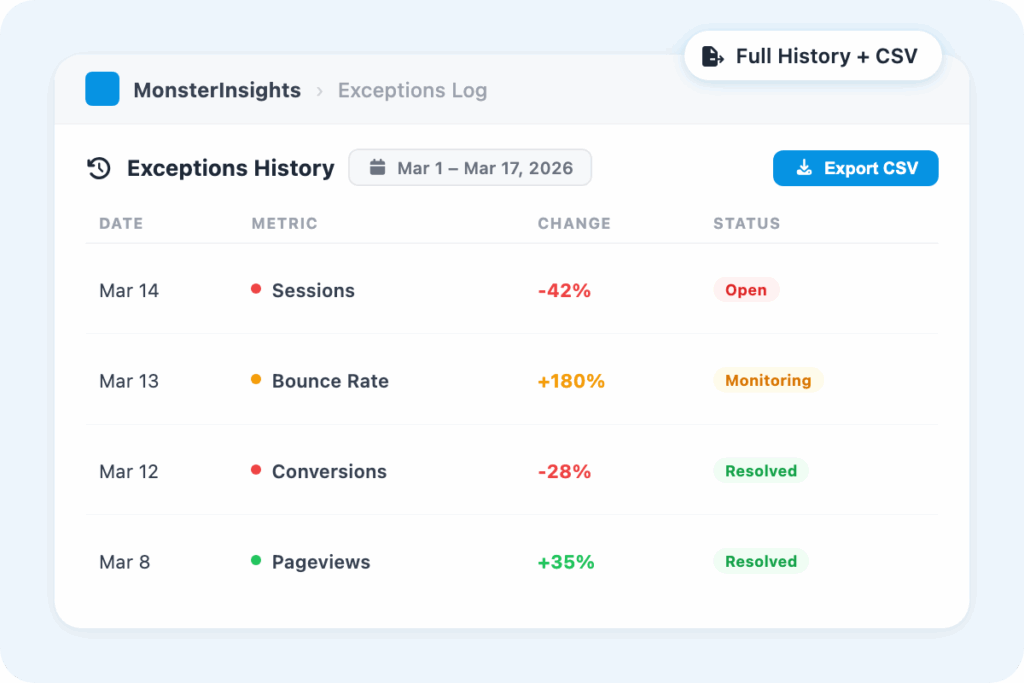
Export your exceptions log as a CSV for deeper analysis, client reporting, or team sharing. Take your anomaly data out of WordPress and into any spreadsheet tool you prefer.
Logged Exceptions Report
Every detected anomaly is stored in a dedicated exceptions report. Compare what triggered alerts over time and spot patterns.
“It has eliminated the aggravations caused by GA4. The Insights > Report gives me exactly what I need.”
DBarnhart
“It is so helpful that I am able to get a detailed report of my site traffic in a more advanced way. It also helped me work on driving more potential traffic and results with the help of its rich analytic tool.”
Joshua Samuel
“Excellent analysis and monitoring. Personalized help by email. The latest update is perfect.”
Why Over 3 Million Users
MonsterInsights for Exceptions Reporting
Here’s why site owners, agencies, developers, and marketers rely on MonsterInsights to monitor sudden changes in traffic, conversions, and revenue – without digging through complex reports.
16 Metrics Monitored – So You Don’t Have to Be
MonsterInsights Exceptions Reporting watches 16 key metrics – including traffic volume, conversion rate, transactions, engagement rate, bounce rate, and revenue – and flags significant changes automatically.
Instead of logging into Google Analytics every day to check if everything looks normal, you get an alert when something actually isn’t. It’s the difference between monitoring your site and constantly checking on it.
Get Alerted Fast – Dashboard, Site Notes, and Email
When MonsterInsights detects an exception, it doesn’t wait for you to find it. Alerts appear as dashboard notifications the moment you log in, get logged automatically as site notes so you have a dated record, and get sent directly to the email address you configure in your settings.
You choose which channels are active – all three, or just the ones that fit your workflow.
A Full History of Every Anomaly, Ready to Export
Every exception MonsterInsights detects is stored in a dedicated report – not just flagged and forgotten. You can review the full history of anomalies, compare them by date, and see whether a pattern is emerging across weeks or months.
When you need to share that data with a client or run deeper analysis, export the entire log as a CSV in one click. It’s your site’s health record, always up to date.
One Place to Monitor Every Site You Manage
If you manage multiple WordPress sites, manually checking each one for performance changes isn’t a strategy – it’s a full-time job. Exceptions Reporting aggregates anomaly alerts across all your connected sites in one place, so you can see at a glance which sites have flagged something unusual without opening a single Google Analytics account.
For agencies and consultants managing client portfolios, it’s the fastest way to stay on top of everything without being everywhere at once.
Configure Exactly Who Gets Notified and How
Exceptions Reporting isn’t one-size-fits-all. You control which email address receives alerts, whether exceptions are automatically logged as site notes, and whether in-app dashboard notifications are active – so the system fits your workflow instead of adding noise to it.
If you’re an agency owner sending alerts to a client, a developer who prefers site notes for documentation, or a solo site owner who just wants a daily email digest, you set it up once and let it run.
Frequently Asked Questions
Do you have questions about MonsterInsights? See the list below for our most frequently asked questions. If your question is not listed here, then please contact us.
Exceptions Reporting is an addon that automatically monitors 16 key metrics on your WordPress site – including traffic, conversion rate, transactions, bounce rate, and revenue – and sends you an alert when it detects a significant, sudden change. Instead of checking your analytics manually, you get notified when something actually needs your attention.
MonsterInsights delivers alerts three ways: as dashboard notifications inside WordPress, as automatically logged site notes, and as email alerts sent to the address you configure. You can enable or disable each channel individually under Insights » Settings » Advanced.
MonsterInsights processes exceptions and sends email alerts the following day when unusual activity is detected. Dashboard notifications and site notes are logged as exceptions are identified.
Just install the Exceptions addon, available on the MonsterInsights Agency plan – no code or technical setup required. You can customize alert recipients and notification preferences under Insights » Settings » Advanced, but the monitoring starts automatically once the addon is active.
Stop Finding Out About Problems After the Damage Is Done.
Over 3 million websites rely on MonsterInsights to catch issues instantly and make smarter, faster decisions.