Your Videos Are Playing. But Is Anyone Actually Watching?
MonsterInsights automatically tracks every YouTube, Vimeo, and HTML5 video on your WordPress site – total plays per video, average watch time, average percentage watched, and completion rate. No coding, no Google Tag Manager, no guesswork.
Finally, Video Tracking for WordPress that’s both Easy and Powerful
MonsterInsights makes video analytics simple. Here are the features that make MonsterInsights Media Tracking the best plugin for understanding your video performance.
No-Code Setup
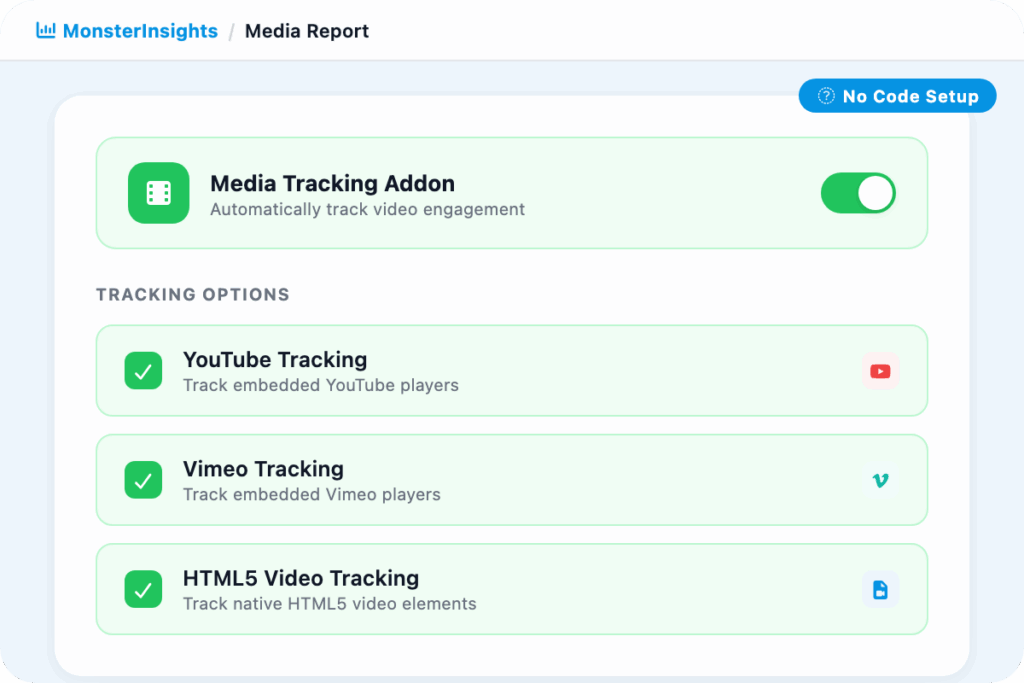
Install MonsterInsights, enable the Media addon, and video tracking starts automatically. No Google Tag Manager, no custom code, no developer needed.
Youtube Video Tracking
Automatically track every YouTube video embedded on your site – plays, watch time, and viewer engagement – without touching a line of code.
Vimeo Video Tracking
Monitor plays, watch time, and viewer interactions for every Vimeo video on your site. Everything tracked automatically the moment you install the plugin.
HTML5 Video Tracking
Track videos uploaded directly to your WordPress site. Get the same play, watch time, and completion data you get for YouTube and Vimeo.
Media Report
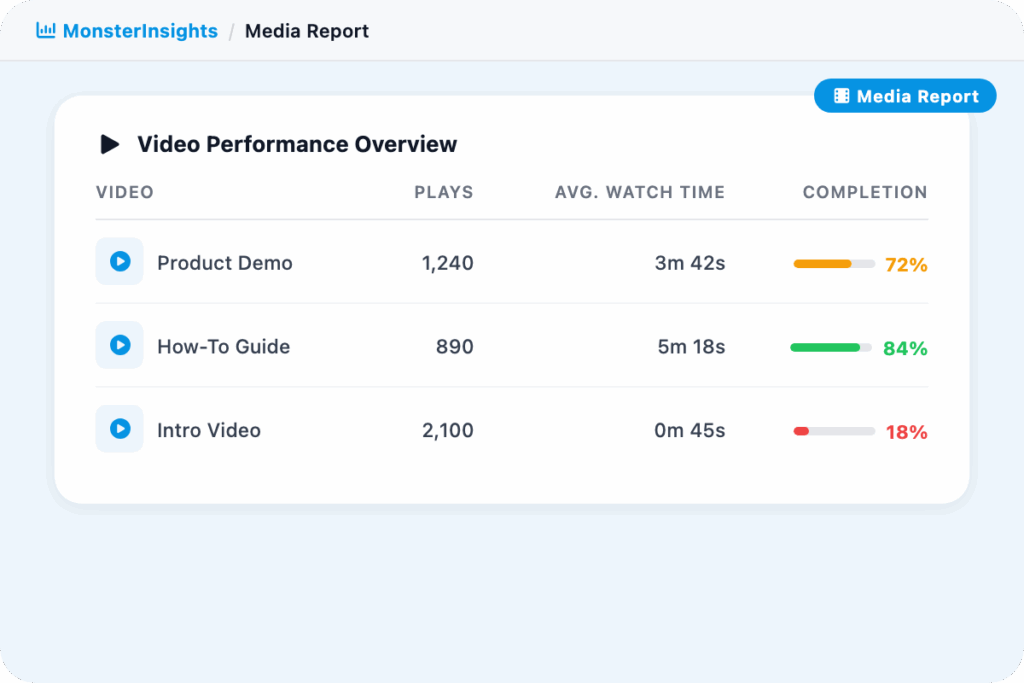
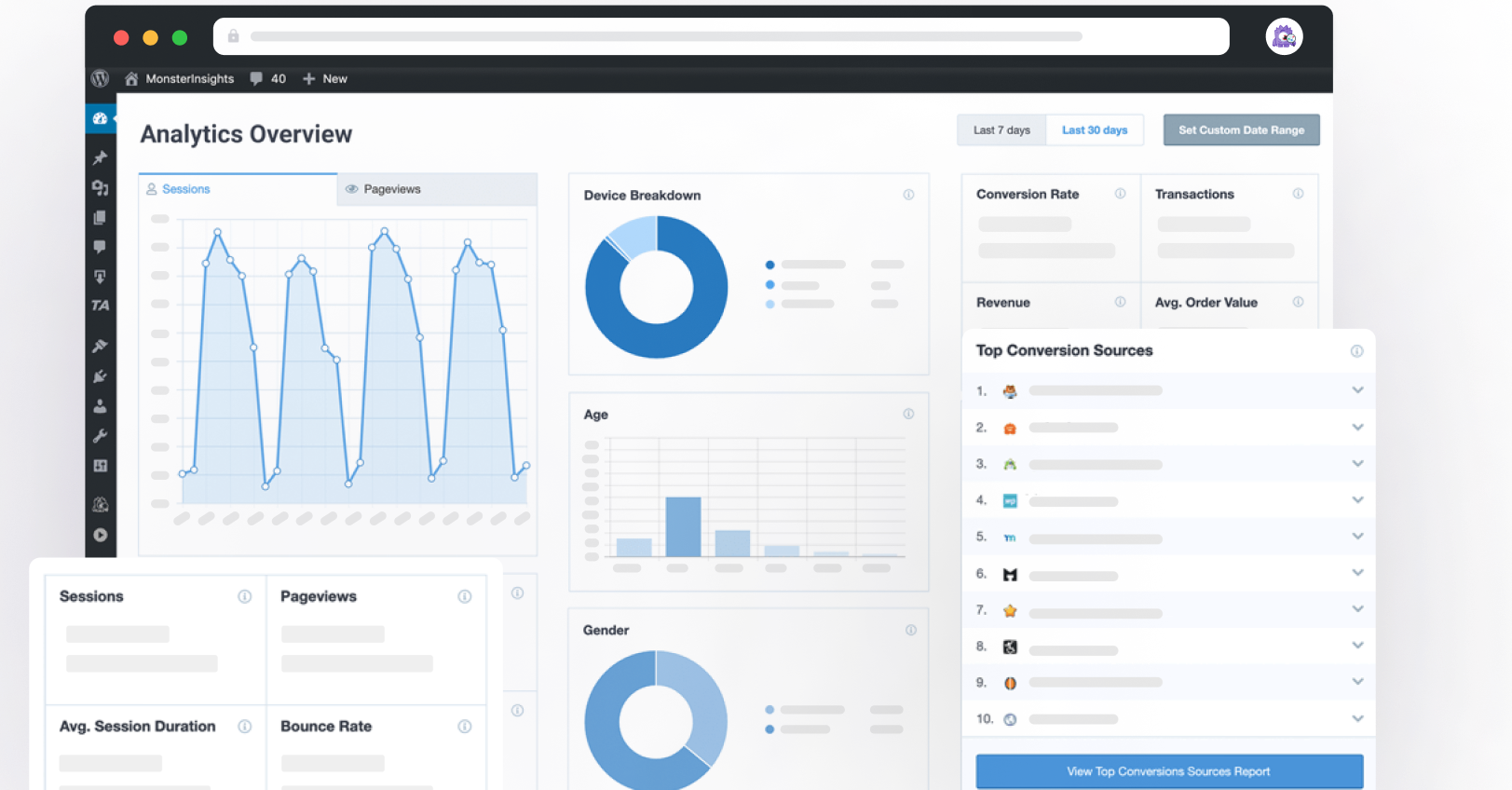
All your video engagement data in one dedicated report – total plays, average watch time, average percentage watched, and completion rates for every video on your site.
Average Percentage Watched
See the average percentage of each video your visitors actually watch. Spot which videos hold attention all the way through and which ones lose people before the end.
Email Reports
Get automated performance reports delivered to your inbox. Stay on top of video engagement trends without logging in every day.
Completion Rate Tracking
See what percentage of viewers watch each video all the way through. Find out which videos hold attention and which ones lose people halfway.
Conversations AI
Ask your analytics anything and get a real answer. Conversations AI lets you chat with your data the way you would with an analyst. Type a question, get a clear response with charts included, right inside WordPress.
“Quick and unrestricted access to all websites worldwide. Thank you for the valuable power you give to businesses and websites.”
Amir Latifi
“I think MonsterInsights is great in the way we use analytics, and it integrates multiple platforms. Congratulations, keep doing this amazing work.”
Ruy Bastos
“Straightforward for someone with no great tech skills and also really helpful friendly customer service – that makes the biggest difference in feeling confident with this product.”
Why Over 3 Million Users
MonsterInsights for Video Tracking
Here’s why site owners, marketers, and content teams rely on MonsterInsights to track YouTube, Vimeo, and HTML5 videos automatically – without any coding or complicated setup.
See Exactly Which Videos Get Watched – and Which Ones Get Skipped
See every video on your site ranked by plays, watch time, and completion rate. You can tell at a glance which videos your visitors actually engage with and which ones get clicked away from in the first 10 seconds.
Instead of guessing whether your video content is working, you have the numbers – and you know exactly where to focus your editing time.
High Plays but Low Completion? Your Content – Not Your Placement – Is the Problem.
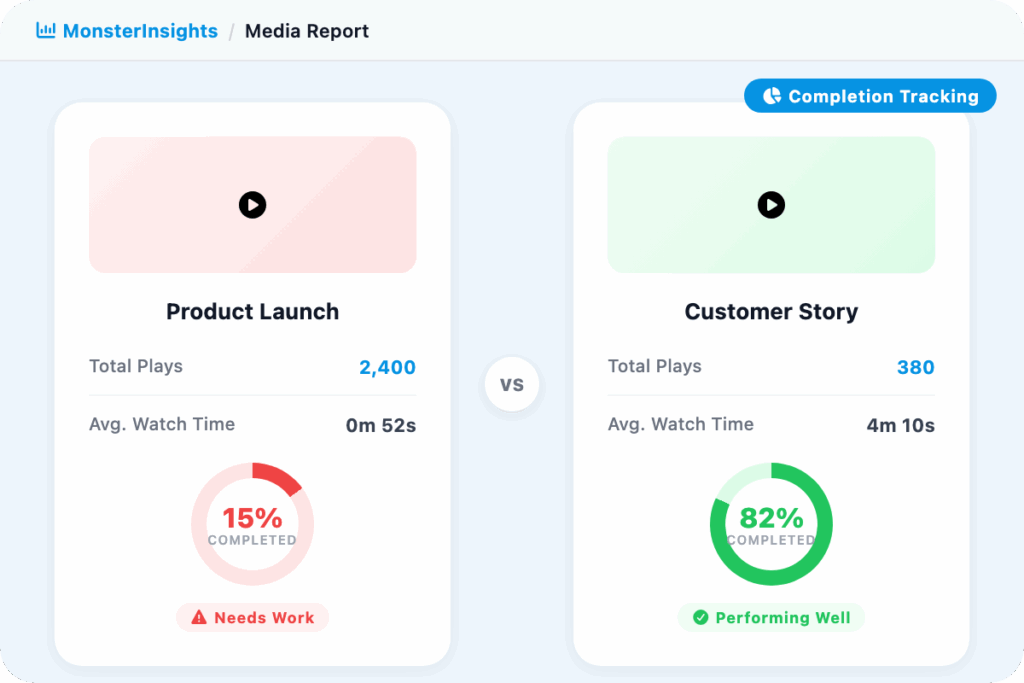
A video with 500 plays and a 15% completion rate is a different problem than one with 100 plays and an 80% completion rate. The first tells you people are clicking play but leaving – the content is not holding them. The second tells you the video is compelling, it just needs more visibility.
MonsterInsights shows you both plays and completion rate for every video, so you can diagnose the right problem and fix the right thing instead of guessing.
YouTube, Vimeo, and HTML5 – All Tracked in One Place
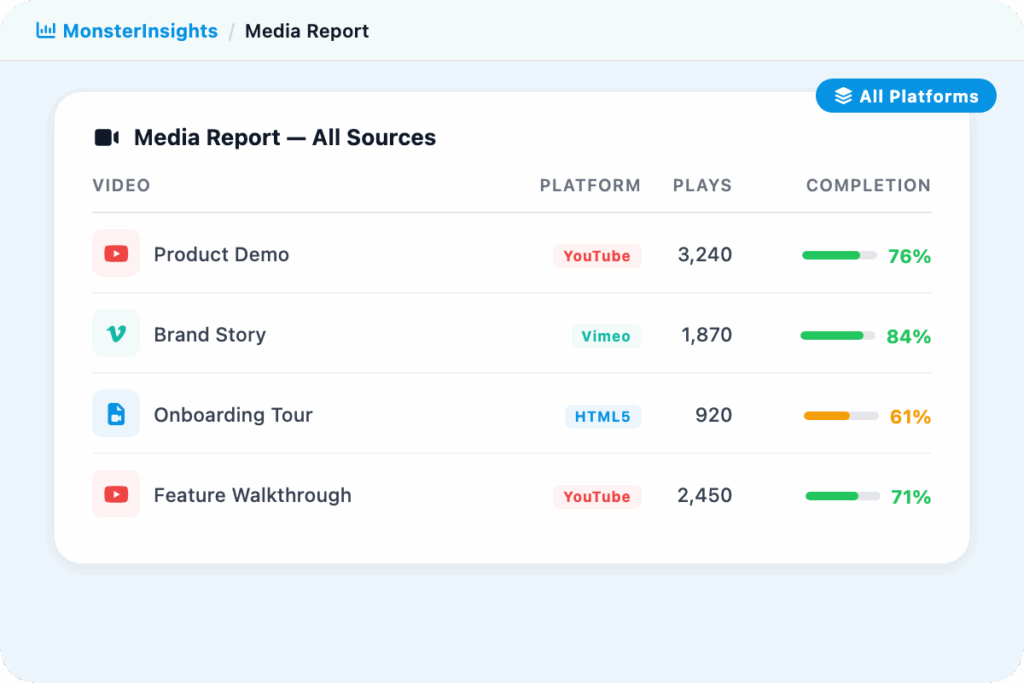
Whether you embed YouTube videos, host content on Vimeo, or upload HTML5 videos directly to WordPress – MonsterInsights tracks all three automatically in the same report. No separate tools, no platform-by-platform setup.
You get consistent play, watch time, and completion data across every video type your site uses, so you can compare performance without piecing together data from multiple places.
Zero Code. Zero Google Tag Manager. Tracking Starts in Minutes.
Most video tracking setups require Google Tag Manager, custom event code, and a developer. MonsterInsights replaces all of that with a single toggle. Install the plugin, activate the Media addon, enable tracking in Insights > Settings > Publisher, and every video on your site is tracked automatically.
The data flows directly into Google Analytics as events under Engagement > Events, and into your MonsterInsights Media Report – no manual configuration required.
Connect Video Engagement to Real Business Outcomes
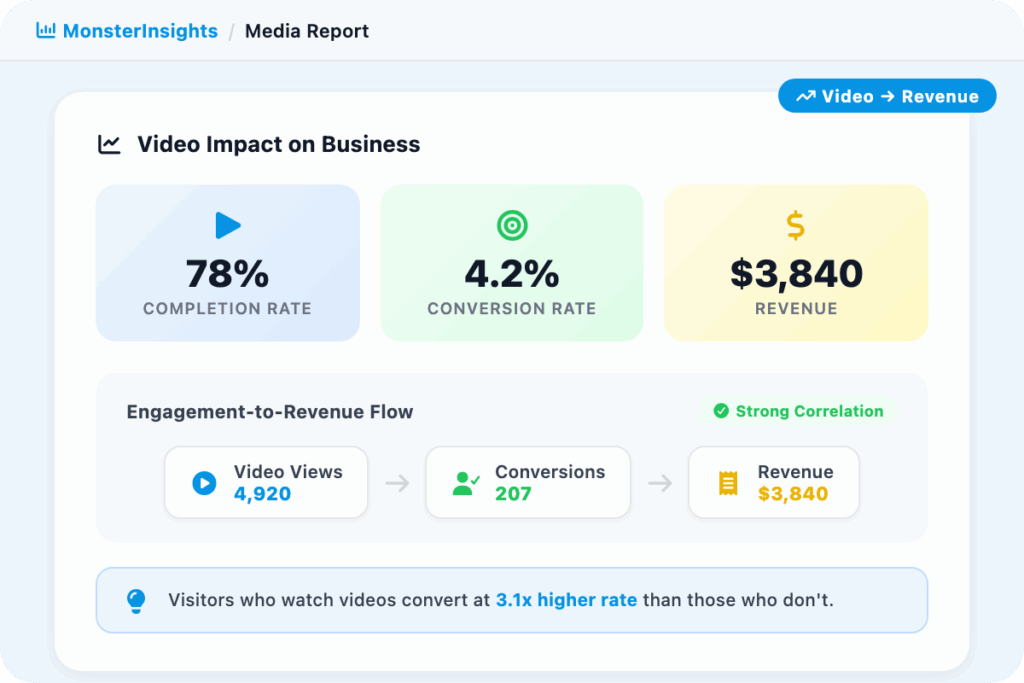
Knowing someone watched your video is useful. Knowing that visitors who finish your product video convert at twice the rate of those who skip it is actionable.
MonsterInsights helps you see which pages with embedded videos perform best, whether video completion correlates with purchases or form submissions, and where video content is actually moving the needle for your business.
Frequently Asked Questions
Do you have questions about MonsterInsights? See the list below for our most frequently asked questions. If your question is not listed here, then please contact us.
Install MonsterInsights (Plus plan or higher), then go to Insights > Addons and activate the Media addon. Head to Insights > Settings > Publisher, enable video tracking, and select which video types to track. That is it – MonsterInsights will start capturing video data automatically, no code or Google Tag Manager needed.
MonsterInsights automatically tracks YouTube, Vimeo, and HTML5 videos embedded on your WordPress site. All three are tracked consistently in the same Media Report, so you can compare performance across every video type you use.
MonsterInsights tracks video plays, watch time, and completions for every video on your site. In your Media Report (Insights > Reports > Media) you see total plays, average watch time, average percentage watched, and completion rate per video. The same data is also sent to Google Analytics as events under Engagement > Events.
Go to Insights > Reports > Media in your WordPress dashboard. You will see all your videos listed with their key engagement metrics. The same data also appears in Google Analytics under Engagement > Events for cross-platform analysis.
Stop Publishing Videos in the Dark. Find Out What Your Viewers Actually Watch.
Join over 3 million WordPress users who get clear, actionable analytics – including exactly how their videos perform.